WhatsApp Automation Workflows
(Step-by-Step Guide)
May 12, 2026
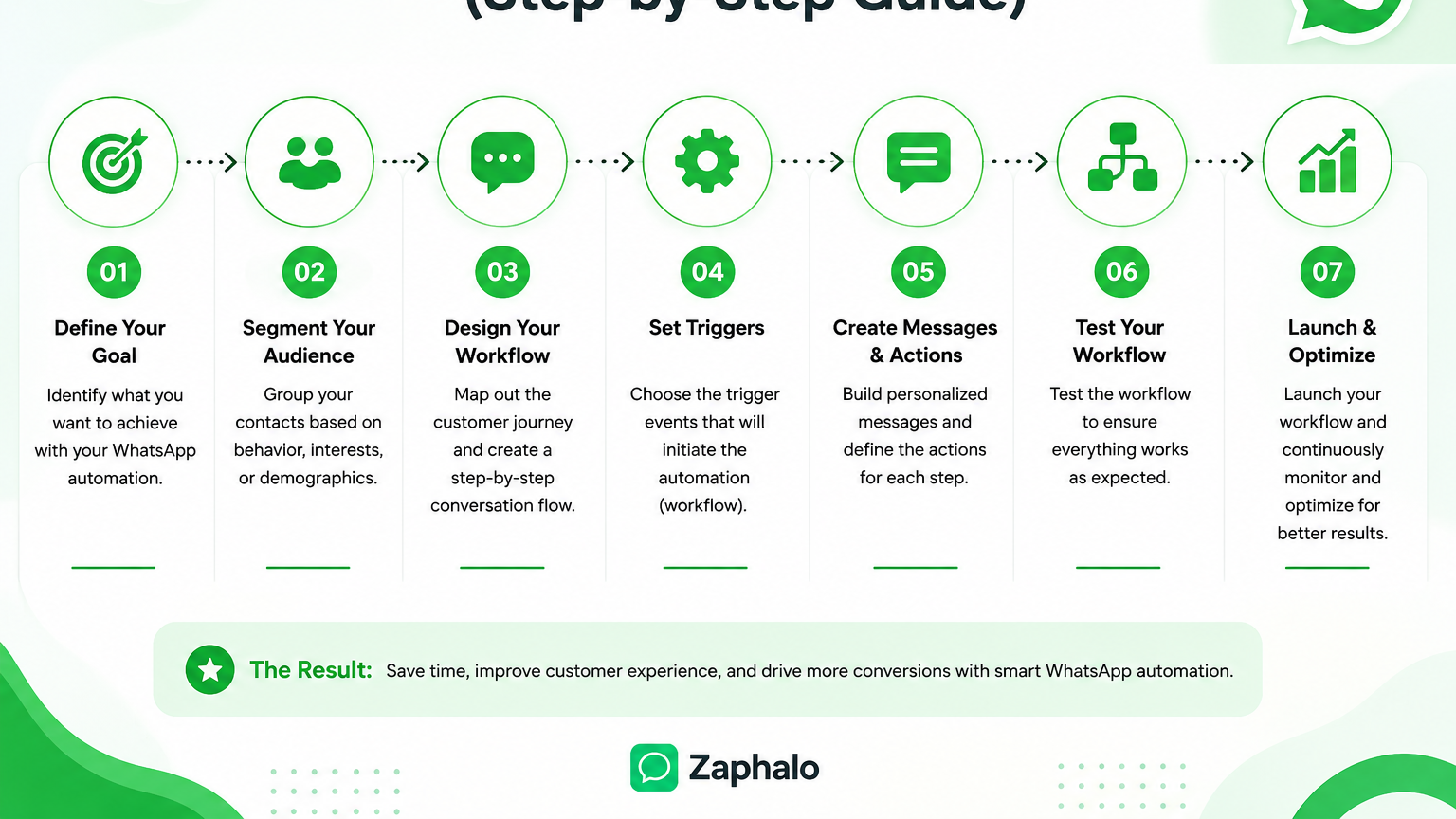
In today’s fast-moving digital world, customers expect instant replies, quick updates, and personalized communication. Manually handling every message on WhatsApp can quickly become difficult as your business grows. That’s where WhatsApp automation workflows help. With platforms like Zaphalo, businesses can automate customer interactions, follow-ups, lead nurturing, reminders, and support, all while saving time and improving response speed. Zaphalo provides features like AI automation, drip campaigns, smart triggers, bulk messaging, shared inboxes, analytics, and WhatsApp API integration to help businesses scale communication efficiently.
What is a WhatsApp Automation Workflow?
A WhatsApp automation workflow is a sequence of automated actions that happen based on customer behavior or triggers.
For example:
- Customer sends “Hi”
- Automatic welcome message is sent
- Customer receives product options
- Follow-up message is sent after 1 day
- Sales team gets notified if customer shows interest
Instead of manually replying every time, the workflow handles repetitive communication automatically.
Why Businesses Use WhatsApp Automation
Businesses use automation because it helps them:
- Respond instantly to leads
- Reduce manual work
- Improve customer engagement
- Increase conversions
- Never miss follow-ups
- Handle conversations at scale
Many businesses using WhatsApp API tools mention that automation becomes essential once lead volume starts increasing and manual management becomes difficult.
Step-by-Step WhatsApp Automation Workflow Using Zaphalo
Step 1: Connect Your WhatsApp API
First, connect your WhatsApp Business API with Zaphalo.
Using the WhatsApp API allows businesses to:
- Send automated messages
- Use approved templates
- Run campaigns
- Integrate with CRM systems
- Track analytics
Zaphalo provides API integration and automation workflow support directly from its dashboard.
Step 2: Create a Welcome Message Workflow
The first automation most businesses create is a welcome workflow.
Example Workflow:
Customer sends:
“Hi”
Automatic reply:
“Hello 👋 Thanks for contacting us. How can we help you today?”
You can also:
- Share business hours
- Send product catalogs
- Provide quick reply buttons
- Route users to the correct team
Instant replies are important because delayed responses often reduce conversion chances.
Step 3: Set Up Lead Qualification
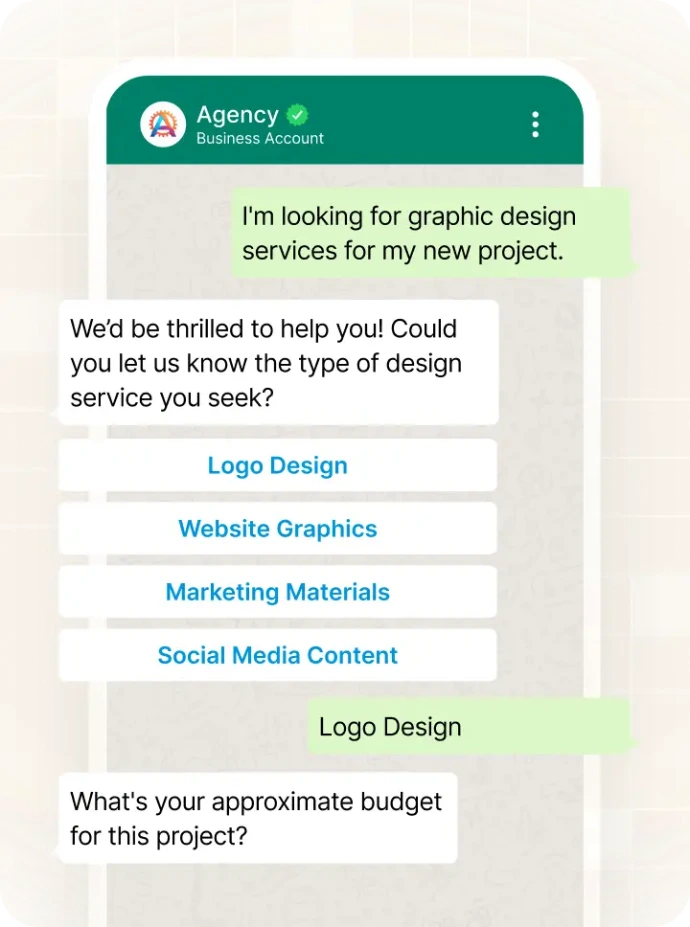
Instead of manually asking every customer the same questions, automation can qualify leads automatically.
Example Questions:
- What service are you looking for?
- What is your budget?
- Which city are you from?
Based on replies, Zaphalo workflows can:
- Tag leads
- Segment contacts
- Assign chats to teams
- Trigger different follow-up sequences
This helps businesses organize leads more efficiently.
Step 4: Create Automated Follow-Ups
One of the biggest reasons businesses lose sales is missed follow-ups.
With Zaphalo, you can automate follow-up messages like:
Day 1
“Just checking if you need any help.”
Day 3
“Here’s a special offer for you.”
Day 5
“Would you like to schedule a demo?”
Automated drip campaigns help nurture leads over time without manual effort. Zaphalo includes drip campaign and smart trigger capabilities for this purpose.
Step 5: Use Smart Triggers
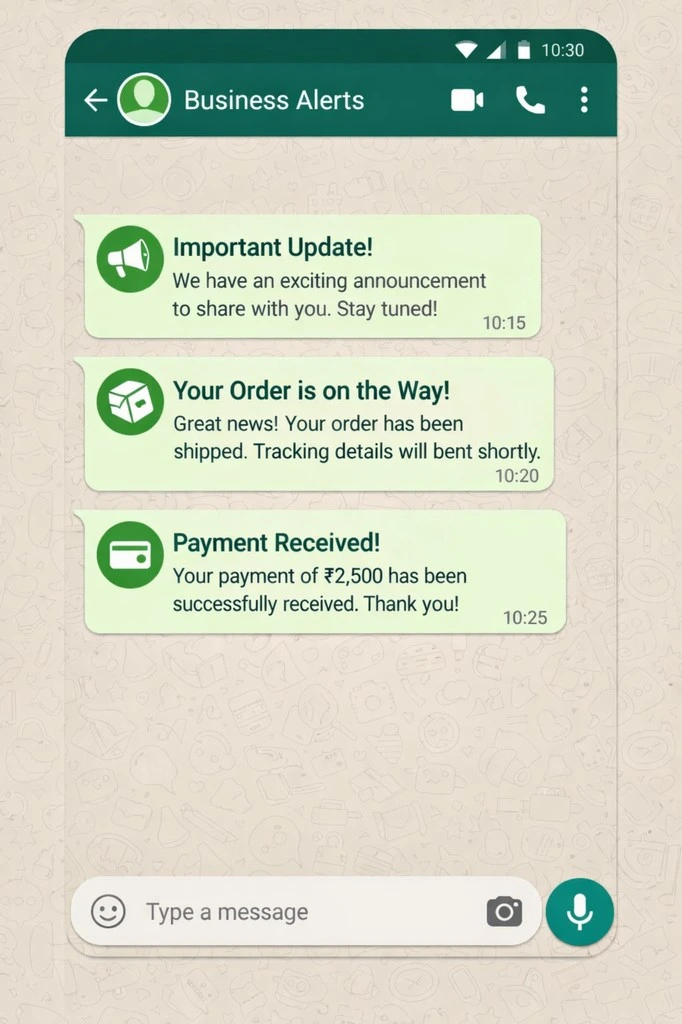
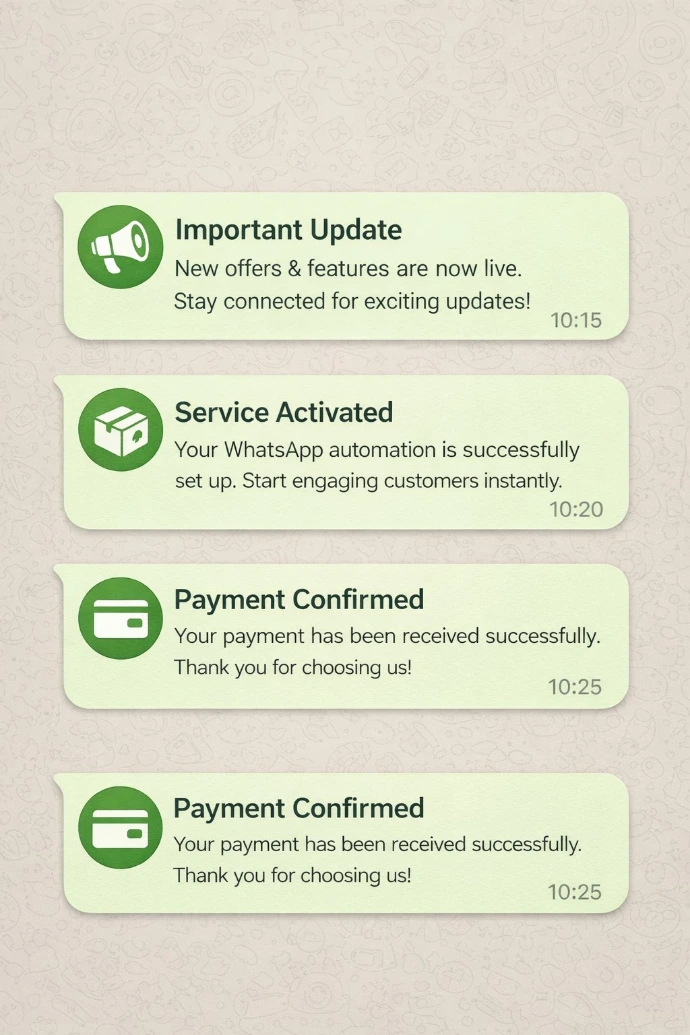
Smart triggers allow workflows to start automatically when a customer performs a specific action.
Examples:
- Customer clicks on an ad
- Customer fills a form
- Customer abandons checkout
- Customer replies with a keyword
- Customer becomes inactive
The system can then:
- Send reminders
- Trigger offers
- Assign sales reps
- Start chatbot conversations
Step 6: Automate Customer Support
Businesses receive many repetitive support questions every day.
Examples:
- Order status
- Pricing
- Business hours
- Delivery updates
- Appointment confirmations
Instead of answering manually every time, AI automation and chatbot workflows can handle common queries instantly. Zaphalo supports AI automation and shared team inbox features for faster customer handling.
Step 7: Monitor Analytics and Optimize
Automation should always be monitored and improved.
Track important metrics like:
- Response rates
- Open rates
- Click rates
- Conversion rates
- Campaign performance
Zaphalo provides analytics dashboards to help businesses measure workflow performance and improve customer engagement.
Best Practices for WhatsApp Automation
To make automation effective:
- Keep messages short and natural
- Avoid spamming users
- Personalize messages whenever possible
- Use automation + human support together
- Send follow-ups at the right time
- Track workflow performance regularly
Many businesses find that the best results come from combining automation with human interaction rather than relying entirely on bots.
Conclusion
WhatsApp automation is no longer just a convenience, it has become an essential part of modern customer communication. From lead generation and follow-ups to support and sales, automation workflows help businesses save time, improve response speed, and increase conversions.With platforms like Zaphalo, businesses can build intelligent WhatsApp workflows using automation, bulk messaging, API integrations, smart triggers, analytics, and AI-powered responses — all from a single platform.
Ready to Automate Your WhatsApp Conversations?
See how WhatsApp chatbots can help you save time, engage customers, and grow your business.
14-day free trial • Cancel anytime