How to Get Started With WhatsApp API For Business On Zaphalo
May 1, 2026
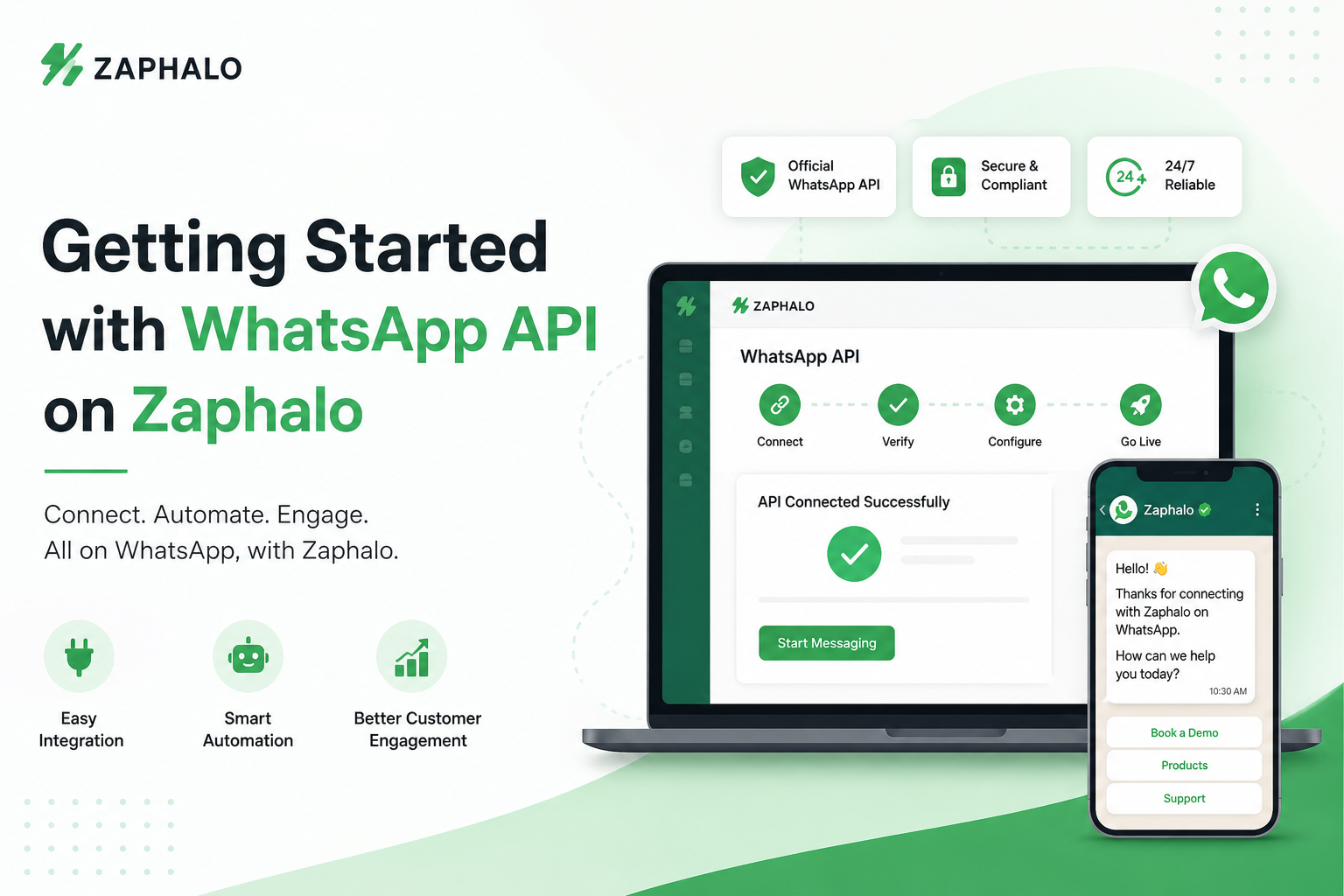
Over the past few years, WhatsApp has become one of the most powerful communication channels for businesses. From sending order updates to handling customer queries, businesses are increasingly relying on it to deliver faster and more personalized experiences. In fact, customers today expect instant replies and real-time updates and the WhatsApp Business API makes that possible at scale. It allows businesses to automate conversations, send notifications, and manage customer interactions efficiently. But getting started with the WhatsApp API can feel confusing if you’re doing it directly through Meta. That’s where Zaphalo simplifies everything.
Getting Started with WhatsApp API on Zaphalo
Unlike traditional API setups, which involve multiple technical steps, Zaphalo makes onboarding simple and structured. You can get started in just a few steps — without needing deep technical knowledge.
Step 1: Create Your Account and Access the Dashboard
The first step is to sign up on Zaphalo and access your dashboard. This is where you’ll manage all your WhatsApp communication — from campaigns to automation and customer conversations. The platform is designed to be user-friendly, so even non-technical users can quickly understand and start using it. Once inside, you get access to all essential tools in one place, making it easier to manage your entire communication workflow.
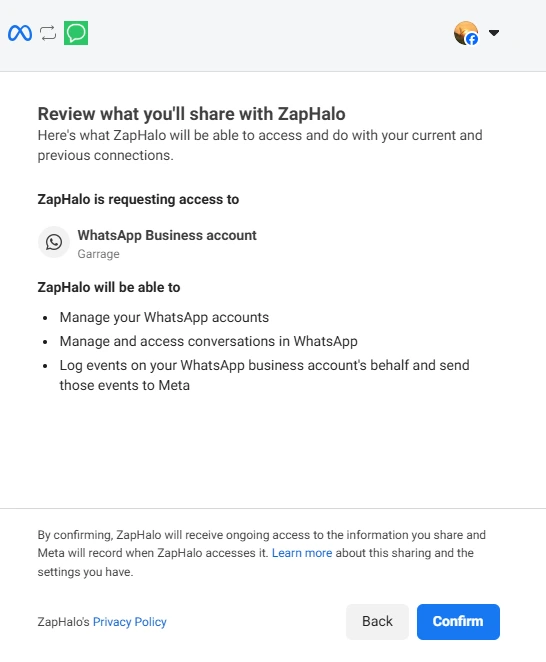
Step 2: Connect Your WhatsApp Business Account via Meta
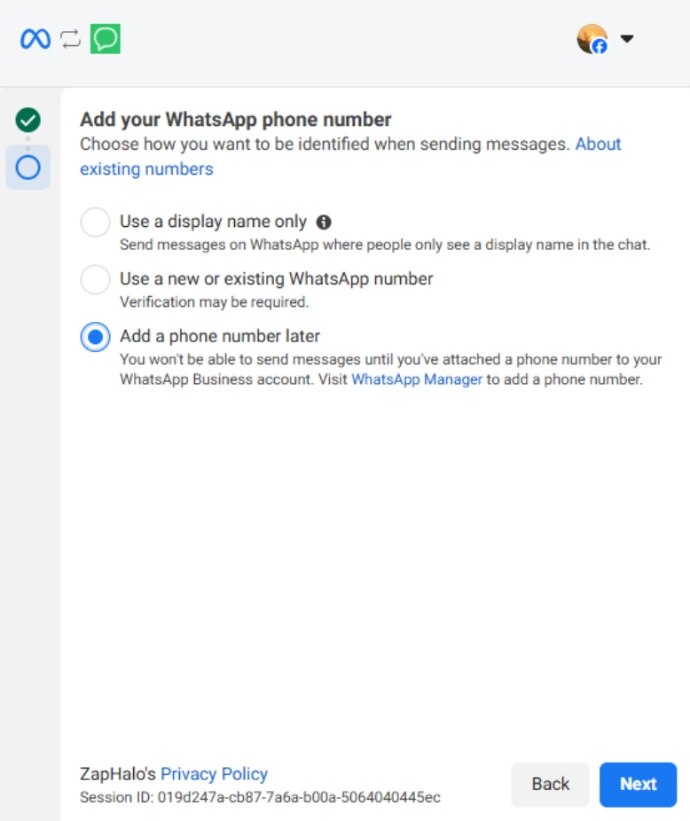
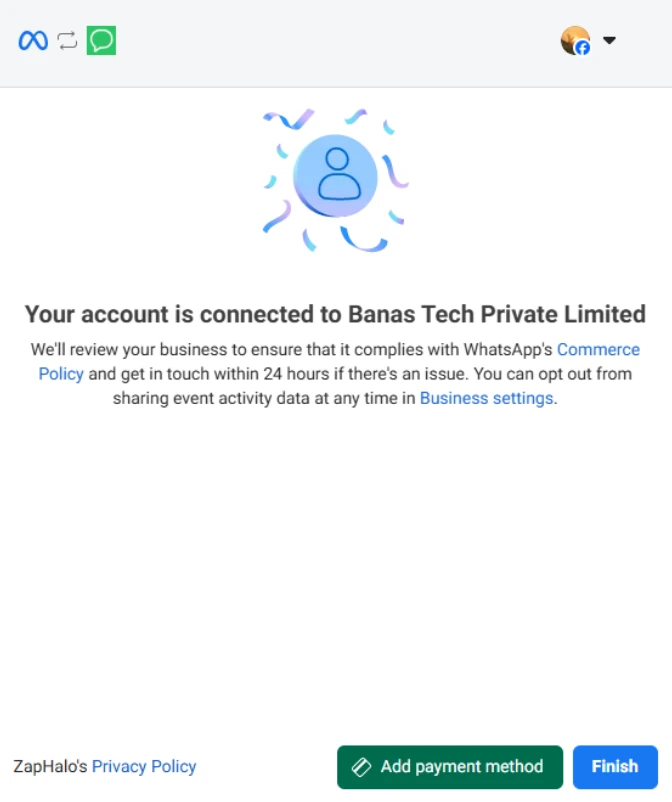
After signing up, the next step is to securely connect your WhatsApp Business account through Meta. This step is important because it enables official access to WhatsApp Business API features like message delivery, template approvals, and automation. Zaphalo guides you through this process in a simple and secure way. You just need your business details, a phone number for verification, and access to your Meta account. Once connected, your WhatsApp profile is set up and ready to use. This connection ensures that your messaging remains compliant, secure, and reliable while giving you full control to manage or switch your account whenever needed.
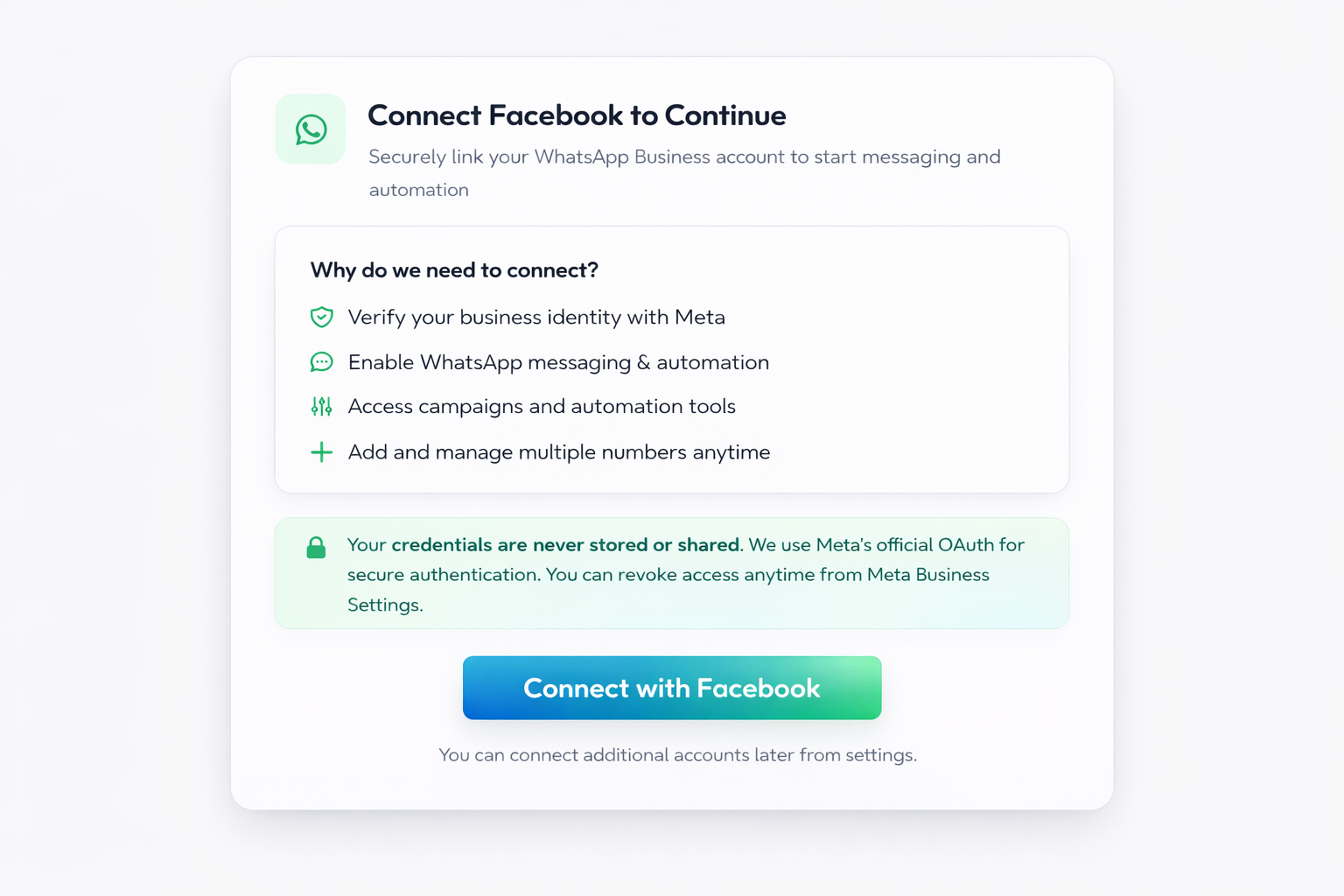
Step 3: Verify Your Business Number
Once your account is connected, you’ll need to verify the phone number you want to use for WhatsApp communication. This is done through a simple OTP process via SMS or call.After successful verification, your number becomes active on the WhatsApp Business API and is ready for use inside Zaphalo. This step ensures that your business identity is authenticated and ready for large-scale messaging.
Step 4: Start Messaging and Automating Conversations
Once your setup is complete, you can immediately start using WhatsApp for business communication. Zaphalo allows you to send messages, run campaigns, and engage with customers directly from a centralized dashboard.You can also set up automation flows to handle common queries, send instant replies, and guide users through predefined journeys. This reduces manual workload while ensuring faster response times.
Step 5: Manage Conversations with Your Team
As your customer interactions grow, managing them efficiently becomes important. Zaphalo provides a shared inbox where multiple team members can access and respond to conversations from a single number. This improves collaboration, reduces response delays, and ensures that every customer query is handled properly without confusion or overlap.
Step 6: Track Performance and Improve
To make the most of WhatsApp communication, you need visibility into how your messages are performing. Zaphalo offers insights into message delivery, engagement, and campaign effectiveness. These analytics help you understand what’s working, optimize your communication strategy, and improve overall customer experience over time.
Conclusion
Getting started with WhatsApp Business API doesn’t have to be complicated. While the traditional setup involves multiple steps and technical processes, platforms like Zaphalo simplify everything into a smooth, guided experience. From connecting your WhatsApp account via Meta to running campaigns and automating conversations, Zaphalo helps you go from setup to scale — quickly and efficiently. If you’re looking to improve customer communication, automate workflows, and grow your business through WhatsApp, getting started with Zaphalo is the right first step.
Ready to Automate Your WhatsApp Conversations?
See how WhatsApp chatbots can help you save time, engage customers, and grow your business.
14-day free trial • Cancel anytime