WhatsApp Message Templates for Every Business Need
Send notifications, alerts, promotions, and important
updates using official WhatsApp templates —
reach customers instantly with fast delivery,
enterprise-grade security, and 100% approved messaging.
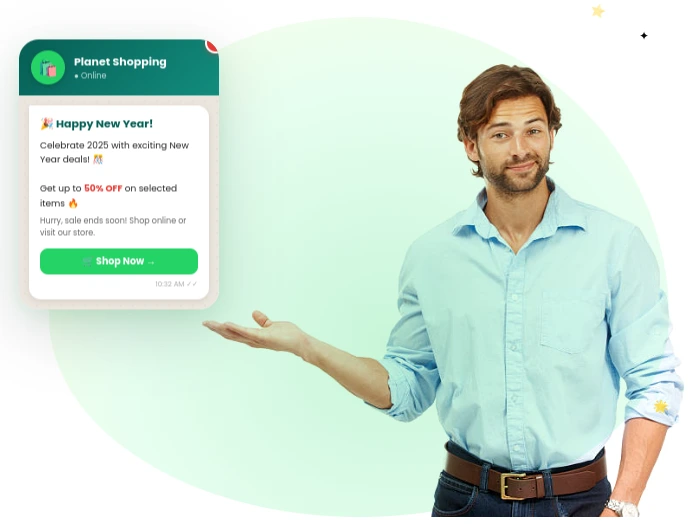
Powerful Features Built for Business Growth
Everything you need to organize, segment, and activate your WhatsApp audience with precision and scale
Dynamic Variables
Personalize every message with customer-specific details like names, order IDs, and other dynamic information.Notifications
Send timely alerts, reminders, and important updates to keep your customers informed and engaged at every step.
Pre-Approved
Use Meta-compliant templates that are ready to send, ensuring faster approvals and seamless communication without policy concerns.24-Hour Window
Easily reach customers even outside the standard support window using approved template messaging.Policy Compliant
Stay fully aligned with WhatsApp guidelines and Meta policies while maintaining high-quality messaging standards.Scale Instantly
Deliver messages to thousands of users in just one click with reliable and high-speed infrastructure.Securely Connect Your WhatsApp Business Account
Get started by linking your WhatsApp Business account with Meta. This secure connection enables message delivery, template approvals, and automation features — all in one place.
Full Control
Easily manage, switch, or disconnect accounts anytime with complete flexibility and transparency.
Secure Integration
A secure connection ensures your business data remains protected while enabling official WhatsApp communication through Meta.
Instant Activation
Quickly connect your account and start sending messages, automations, and campaigns without any complex setup.
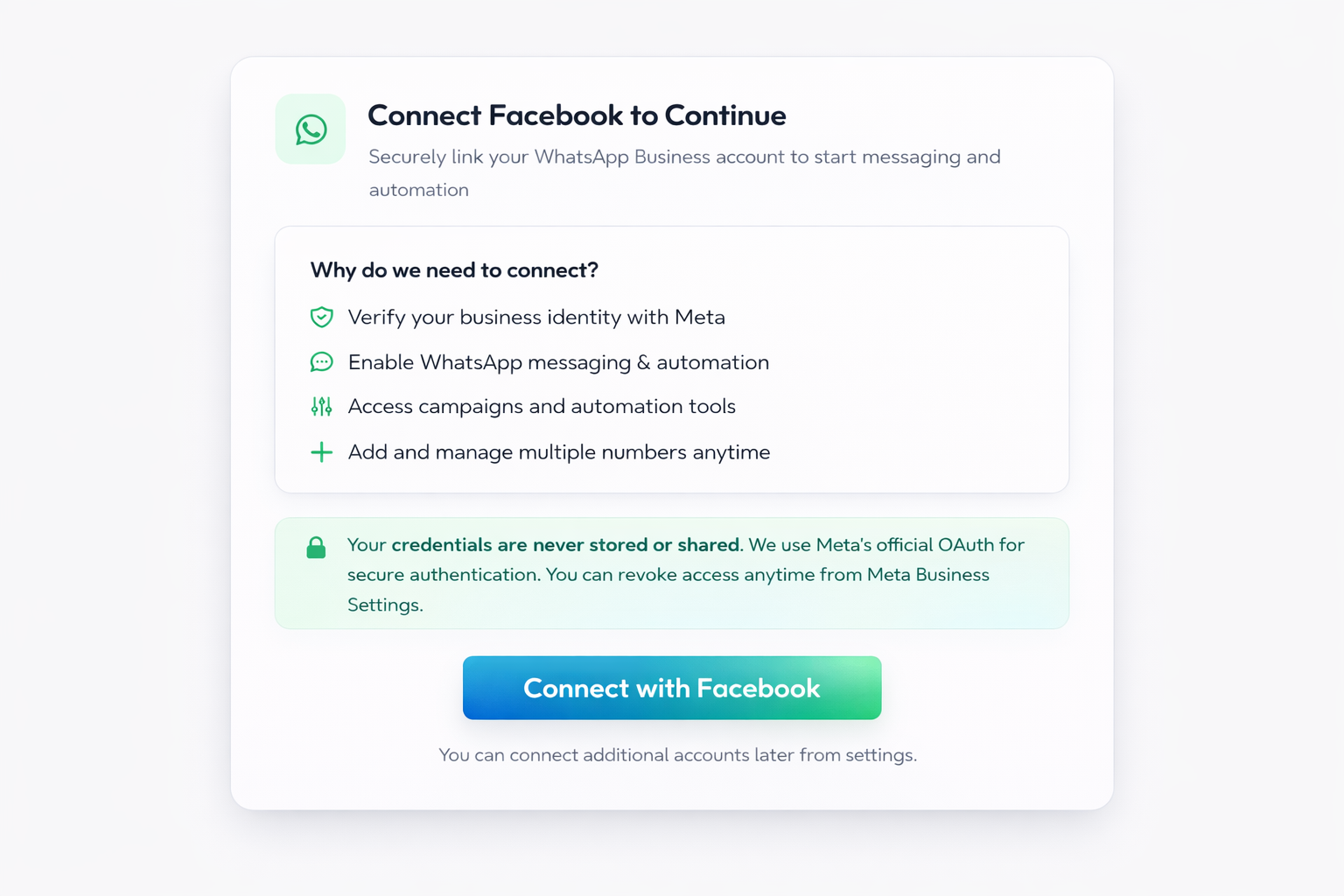
Setup Guide to connect with Facebook in 6 Easy Steps
1
Connect Account
Securely log in and link your Facebook account.
2
Authorize Access
Grant permissions to enable messaging capabilities.3
Choose Business
Select your business portfolio and WhatsApp account.4
Add Number
Register or link your business phone number.
5
Verify Setup
Complete Meta verification for activation.
6
Go Live
Start conversations, campaigns, and automation.
Launch Your Template in 3 Simple Steps
Choose a Template
Browse our library and pick the template that fits your campaign or use case.
Customize Your Content
Add your brand name, message details, images, and dynamic variables like customer name or order ID.
Send & Track
Send to your contact list in one click and track delivery, open, and reply rates in real time.
Why Leading Brands
Choose Smart ZapHalo Templates ?
Higher Engagement Rates
Send structured and personalized messages that capture attention, improve readability, and drive better customer responses.
2x Faster Campaign Launch
Launch campaigns quickly with pre-approved templates, reducing delays and speeding up your communication workflow.
Ready for Growth
Easily reuse and scale templates across campaigns, enabling you to reach thousands of users without extra effort.
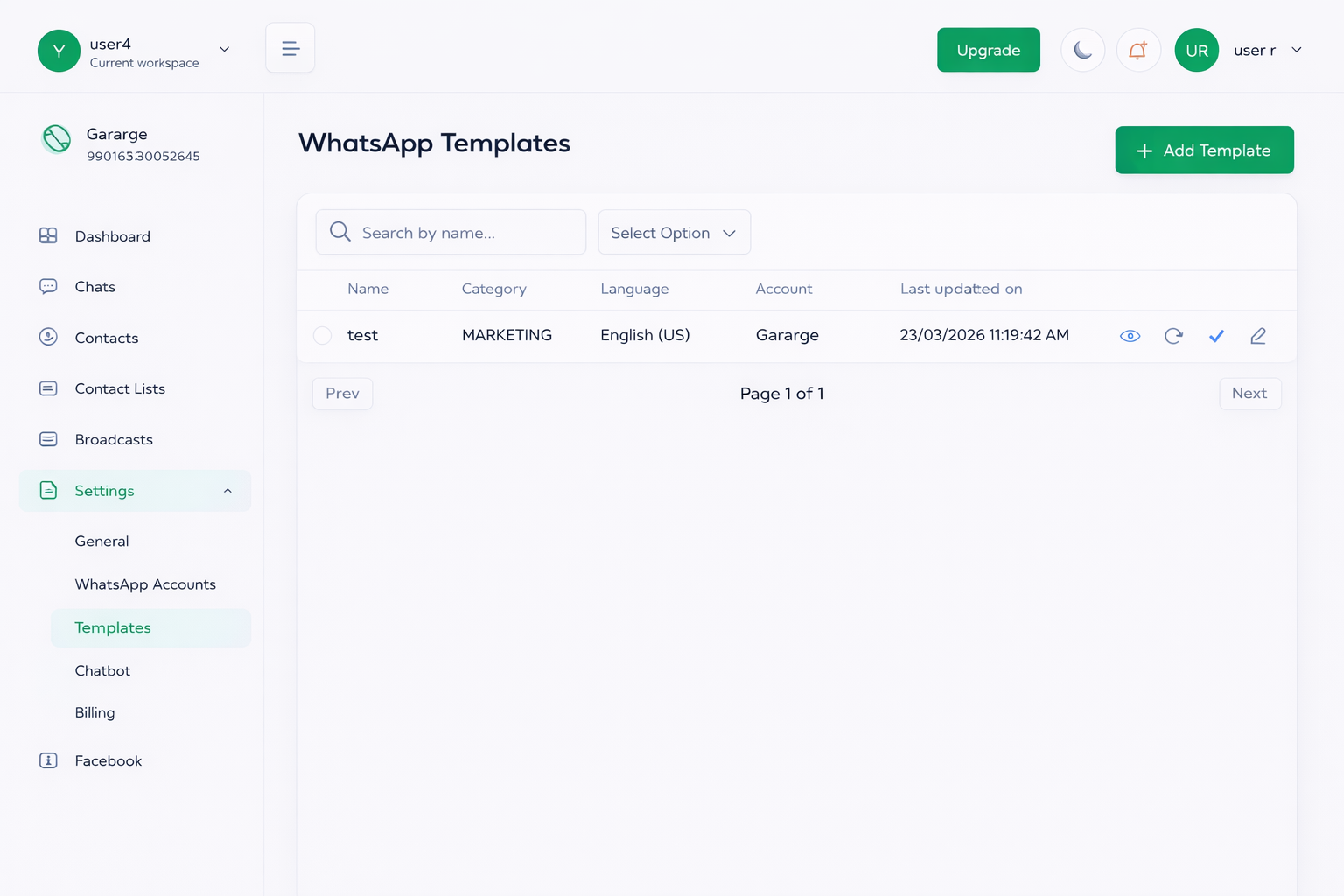
Manage All Your Templates in One Place
Track, edit, and monitor all your templates from a centralized dashboard. Stay updatedwith approval status and performance.
Track last updates & activity
Quick search & filters
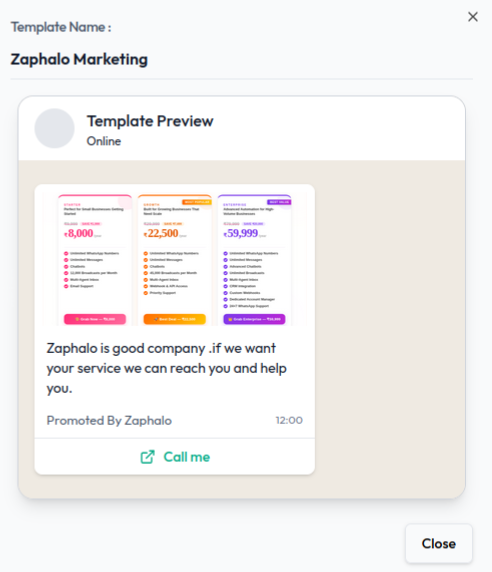
Preview before sending
Status tracking (Approved, Pending, Rejected)
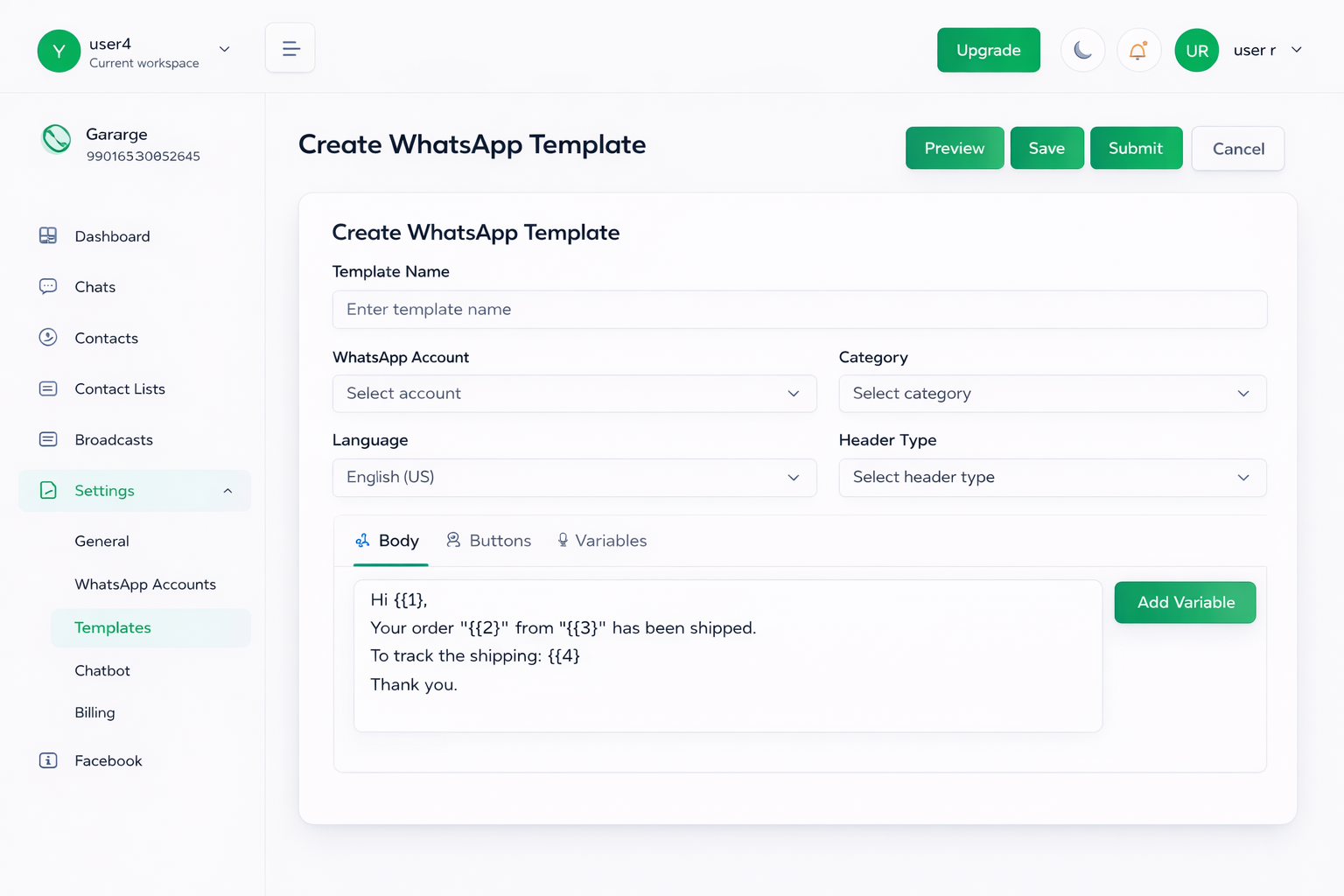
Create Templates in Minutes
Design and submit WhatsApp templates with ease using our intuitive builder. Add dynamic variables, buttons, and structured content to create engaging messages.Simple template editor with live preview
Dynamic variables for personalization
Direct submission for Meta approval
Header, body, footer & button support
Your Template
is Ready to Shine
Frequently Asked Questions
Everything you need to know about our Templates
Yes, WhatsApp Business API requires a Meta (Facebook) connection to manage accounts and approvals.
Yes, WhatsApp charges per conversation initiated using templates, based on Meta’s pricing.
Yes, you can monitor delivery, read rates, and engagement directly from your dashboard.
You’ll receive a rejection reason from Meta. You can fix the issue and resubmit a new template.
Templates must be approved by Meta to ensure they follow WhatsApp policies and provide a safe, non-spammy experience for users.
Start Sending Smarter WhatsApp Messages Today
Join thousands of businesses using Zaphalo to automate, personalize, and scale their WhatsApp communication.
No credit card required • 14-day free trial • Cancel anytime